
Searching for a Warrant in Pulaski County
Start with Virginia's Online Case Information System. It covers adult criminal cases in JDR, criminal and traffic cases in General District Court, and selected Circuit Court cases. It shows case information, not a complete warrant roster. For a Pulaski General District case, the court's own search lets a person select the court and search current or archived data.
Use the spelling printed on the summons and add the court, case number, or hearing date when known. Search results can need a clerk's explanation. The state site cannot accept payment, and a result does not itself recall process. Ask the issuing court before deciding whether to appear or pay.
- Select Virginia's statewide case search or the General District Court search, based on the case type.
- For General District Court, choose Pulaski and enter the last name, case number, or hearing date.
- Use first, middle, or suffix fields and the wildcard option to narrow a common-name match.
- Check current, archived, or all records when an older court date may matter.
- Call the court clerk, then the Criminal Warrants Clerk if execution status remains unclear.
Pulaski County's Case Search Is Not a Warrant Roster
Virginia offers more than one case information screen, but none is a statewide public warrant-only registry. The state search can find supported court cases; it does not promise that every order, sealed filing, or local execution entry will appear. The Sheriff's public site also sends visitors to court information instead of publishing a roster.
The Virginia court case information page explains which systems cover Circuit, General District, and JDR cases. Use that scope to choose the next office rather than treating a search result as final.
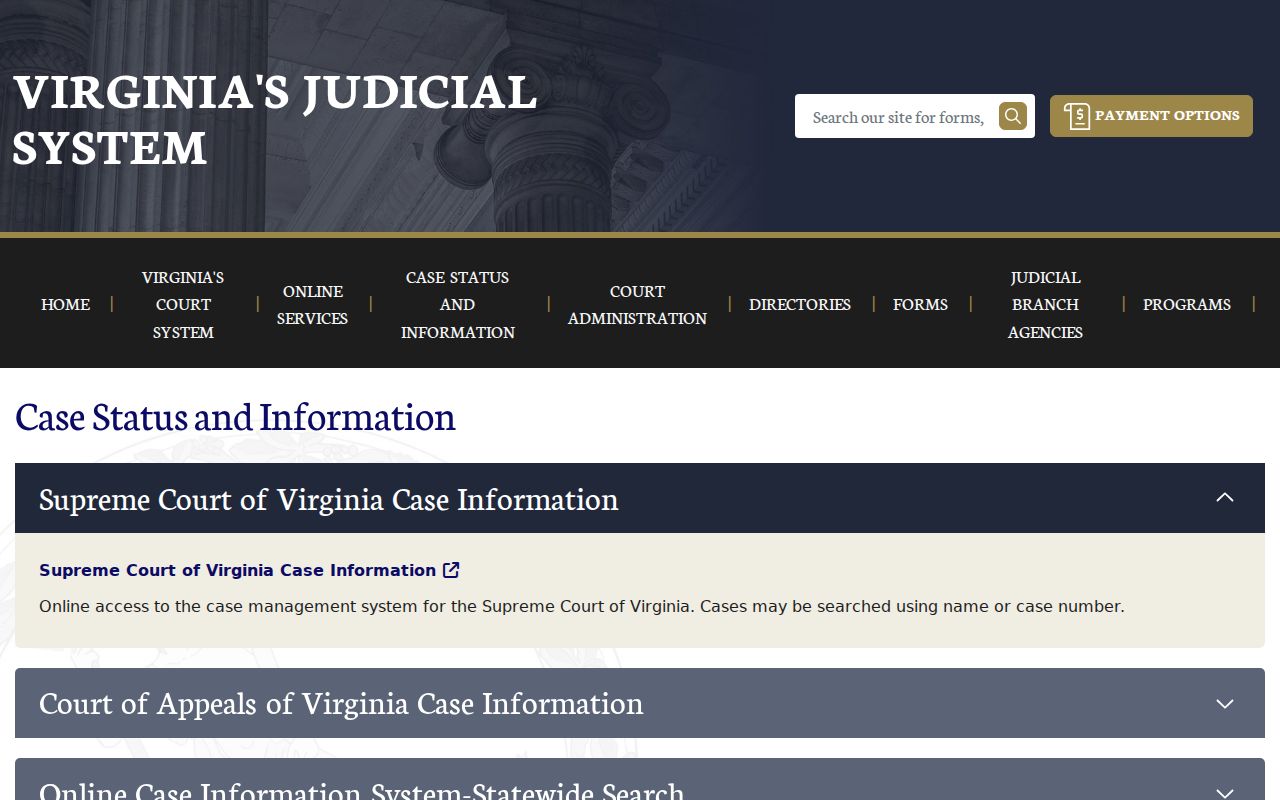
The screen is a case-system guide and does not display a Pulaski warrant roster.
Warrant Search Fields Explained
The General District Court help page describes the local search controls. It searches one court at a time, so select Pulaski General District Court before entering a name. The last name is required for a name search. A case number can be more direct when it appears on a summons, and the hearing date can help distinguish people with similar names.
| Field Label | Type | Required | Notes |
|---|---|---|---|
| Court | Dropdown | Yes | Select Pulaski General District Court; only one GDC is searched at a time. |
| Last name | Text | Yes for name search | Use the spelling on the court paper; an asterisk wildcard is supported. |
| First, middle, suffix | Text | No | Add these fields to narrow a common-name result. |
| Case number | Text | Yes if used | Traffic examples use the GT case family; criminal cases use GC. |
| Hearing date | Date | No | Enter as MM/DD/YYYY when searching by date. |
| Data status | Dropdown | No | Choose Current, Archived, or All. |
Pulaski County Warrant Search Keeps History Controls
General District Court search defaults to current data, but the form also offers archived or all data. That matters when a person remembers an older hearing or the case has moved out of the current view. The asterisk wildcard can help with a partial name, while first, middle, and suffix fields can narrow a broad match.
The official GDC search help describes these fields and result controls. Search by case number if it is available, then open the case detail to review what the system exposes.
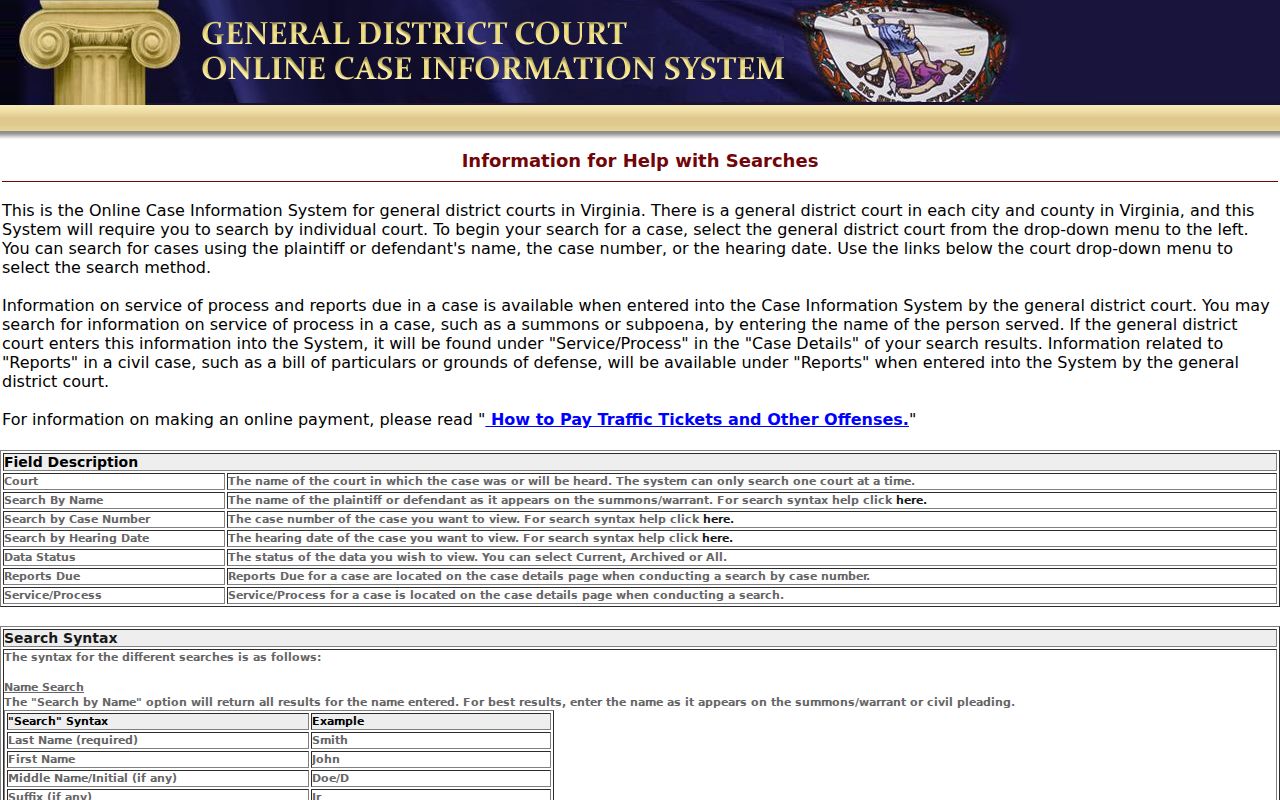
Historical status choices broaden the search, but they do not replace a clerk's review.
What a Warrant Search Shows
A matched result is tied to a court case, not a statewide warrant-only entry. General District results may show a case number, case type, party names, hearing date, and links to more case detail. Click the case number or select the result to display the available details. The record may not show every sealed, juvenile, or investigative item.
| Case number | Use the court's identifier to ask about the same file. |
|---|---|
| Case type | Separates criminal and traffic docket families. |
| Charge or offense | Read the entry in its case context and confirm it with the clerk. |
| Court and date | Identifies the office and hearing date tied to the record. |
| Process status | Ask the court whether a warrant, capias, or recall is recorded. |
Pulaski County Warrant Results Need Clerk Review
A case entry can show a hearing date or process note without explaining what action is still required. The case number gives the clerk a precise starting point. Ask whether the case is current, whether a separate warrant or capias is noted, and whether the docket entry reflects a later court order.
The statewide search cannot take a payment, and the online case record may update after the court acts. If money was already sent or a date was missed, keep proof and ask the clerk what to file or bring. Avoid assuming that an ordinary payment control recalls an outstanding process.
Where to Check Warrants in Pulaski County
The Clerk of the General District Court is the local contact for misdemeanor, traffic, and ordinance-related district court records. The Circuit Clerk keeps felony criminal files and circuit capiases. The JDR Clerk handles juvenile, domestic, child-support, and protective-order matters assigned to that court. Call the clerk whose court appears on the case.
The Sheriff's Office publishes no public active-warrant roster in the reviewed sources. The county Joint 9-1-1 page lists a Criminal Warrants Clerk at 540-994-5349 for local process routing. For another Virginia court, use the state case system, then confirm with that court. A search across one source is not proof that no process exists.
Pulaski County Warrants Belong to Different Clerks
The case type points to the right records desk. Circuit handles felony files, General District handles local traffic and misdemeanor dockets, and JDR handles family and juvenile cases. The Joint 9-1-1 Criminal Warrants Clerk is a separate local contact for execution and status routing, not a replacement for the court clerk who controls the case.
For JDR contact details, use the official Pulaski JDR page. Juvenile and domestic records may have limits that do not apply to an ordinary public traffic docket.
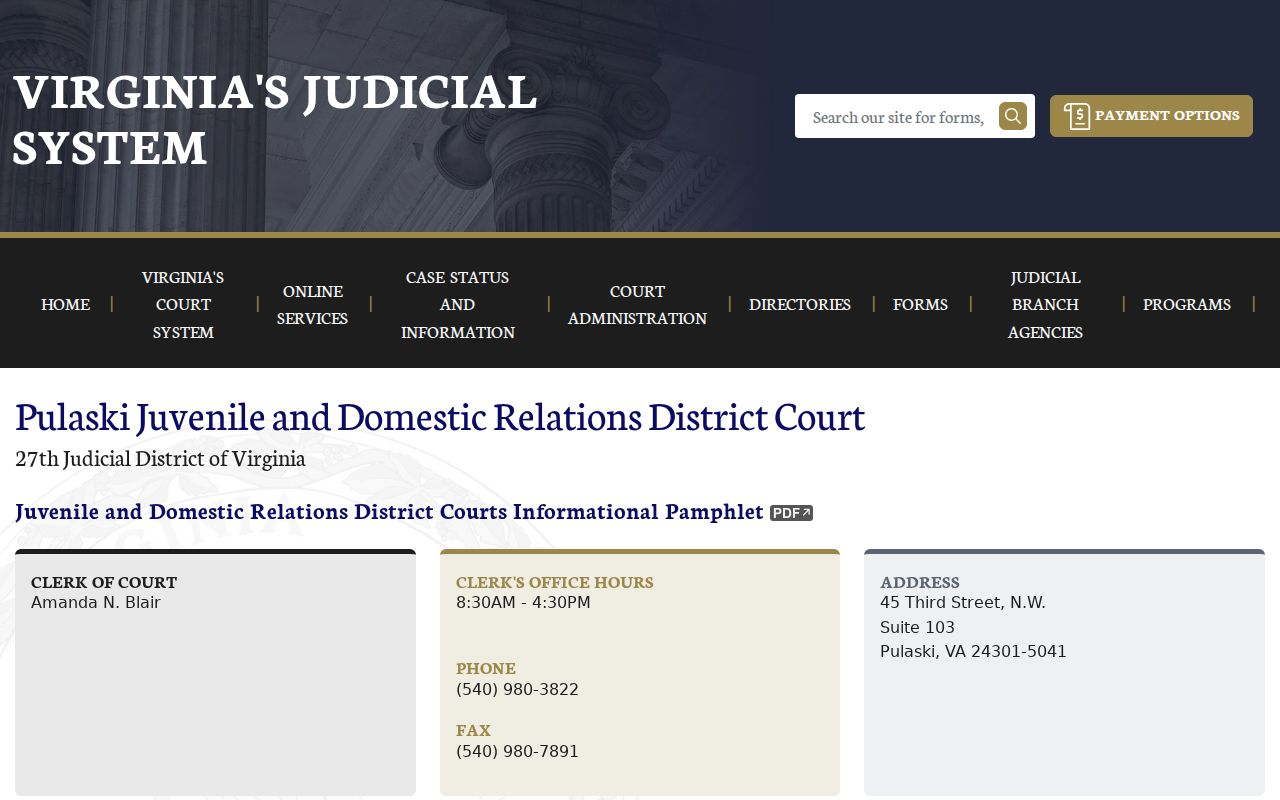
Confirm with the JDR clerk when the case involves a juvenile, child support, or protective order.
Restricted Warrants and Access Rules
Public access has limits. JDR and juvenile law-enforcement records receive extra protection. A search-warrant affidavit can remain sealed temporarily, and active investigative material may not be open. Court case files follow court-record rules, while a county FOIA request applies to existing nonexempt county records. Ask for the specific document or file instead of requesting that an office build a new list.
Key Rules:
Virginia Code § 19.2-54 allows temporary sealing of some search-warrant affidavits.
Virginia Code § 16.1-301 restricts inspection of juvenile law-enforcement records.
A blank search result does not establish that no process exists; confirm with the issuing court.
Pulaski County Warrant Access Has Limits
Virginia FOIA is useful for existing county-held public records, but it is not a shortcut to a court file or a request to create a new list. The county says it responds within five business days and may charge for permitted costs. Court records go to the relevant clerk, and nonexempt portions may be released after protected information is removed.
Describe the record, date range, and office as clearly as possible. For court process, first ask the issuing clerk what is public. The county FOIA page sets out request options and limits.
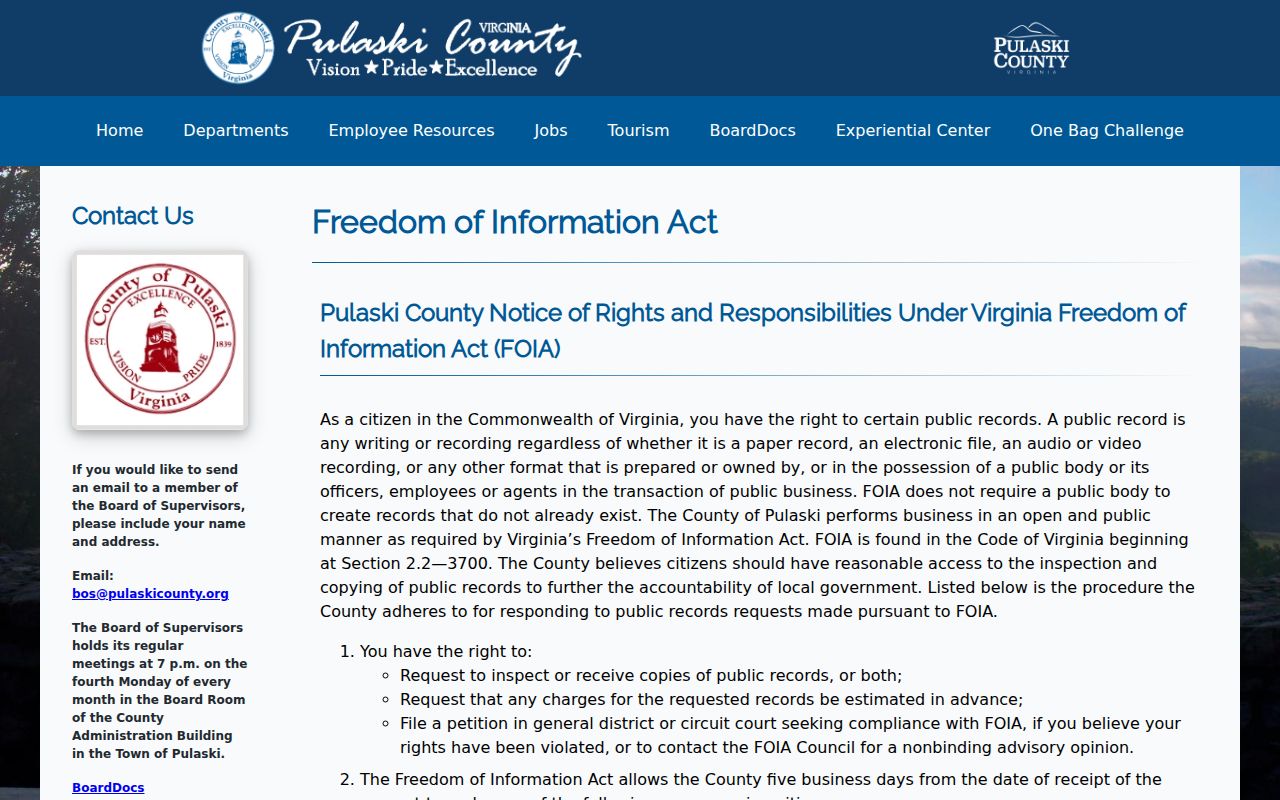
A FOIA request can seek existing records, subject to lawful exemptions and court rules.